Completing the form and confirming your account
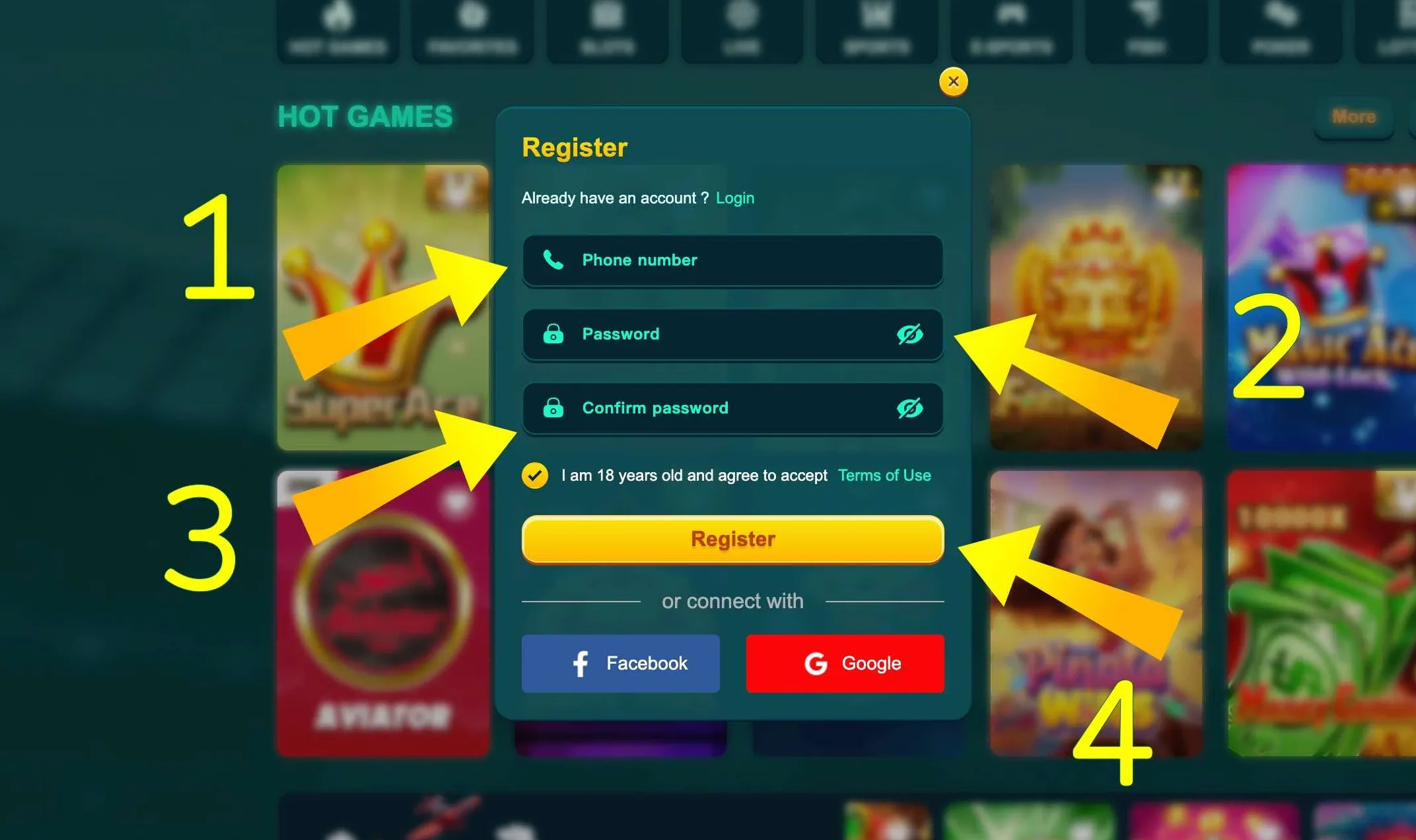
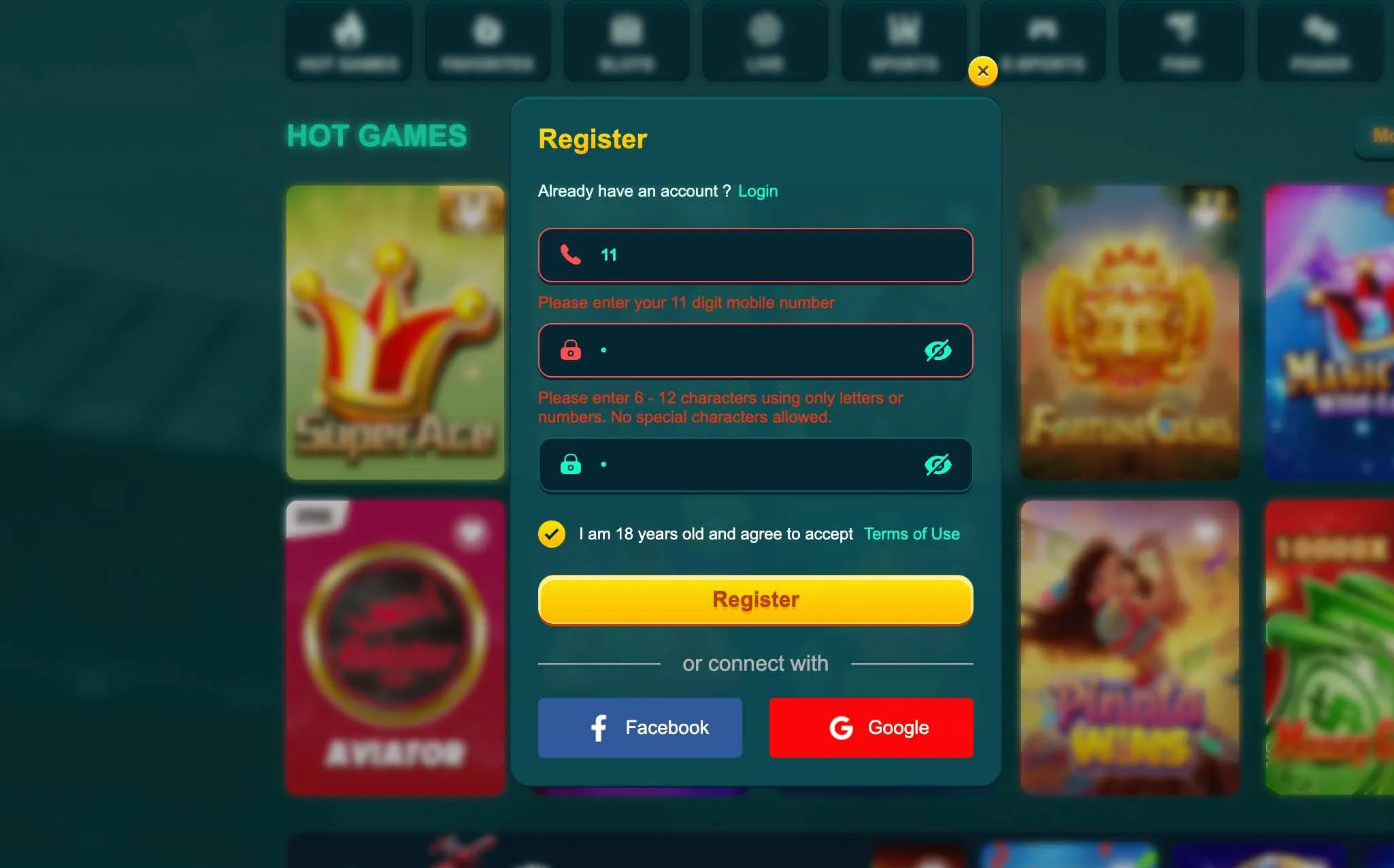
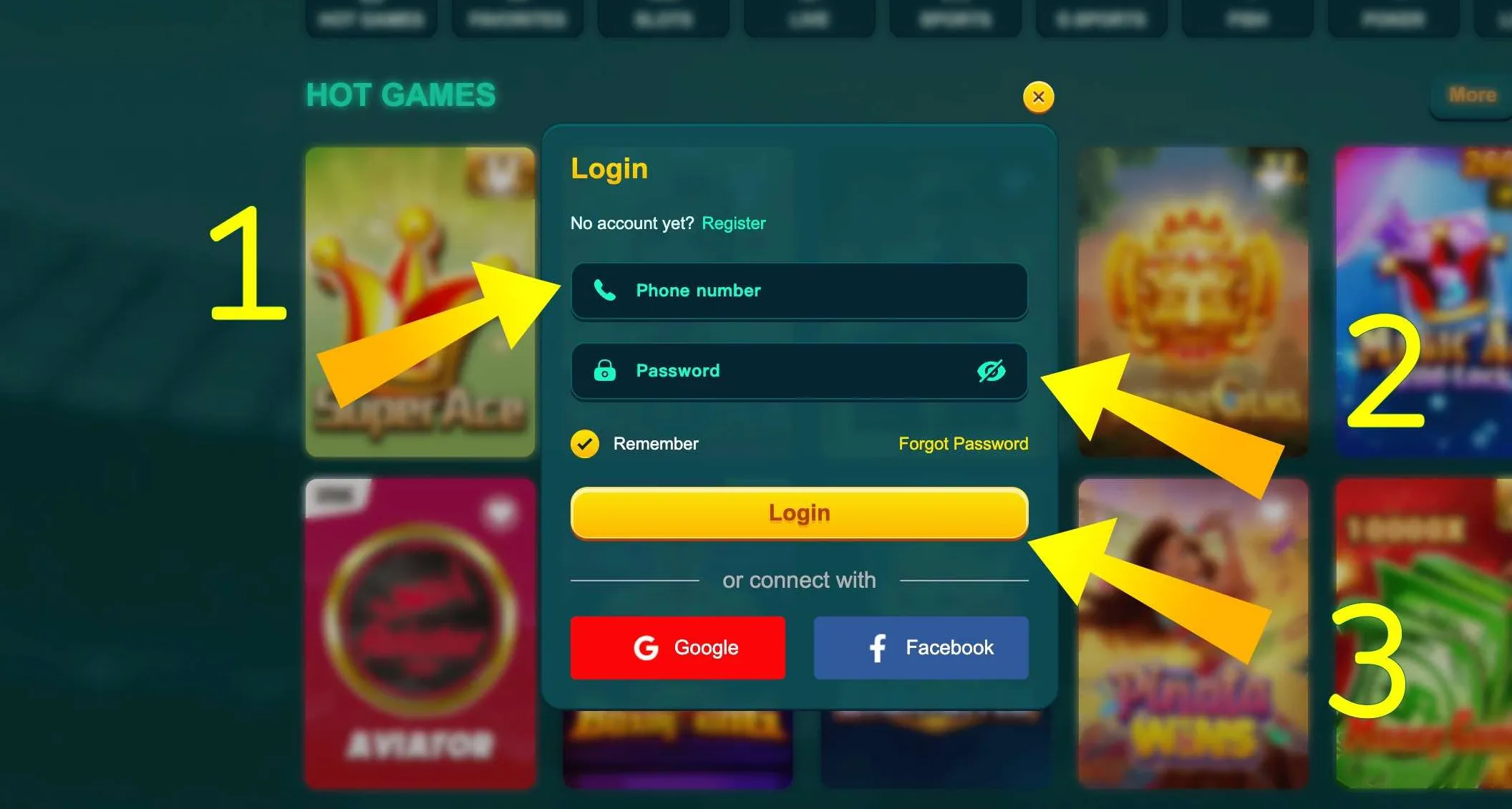
Step 3 - Fill in your Bangladeshi phone number with 11 digits. Double check each block of numbers to avoid a mismatch with your real SIM.
Step 4 - Create a password that fits EK333 rules. Aim for something that you can remember but others will not guess easily. Avoid names, dates of birth or simple sequences.
Step 5 - Tick the checkbox that confirms you are 18 or older and that you accept the platform rules.
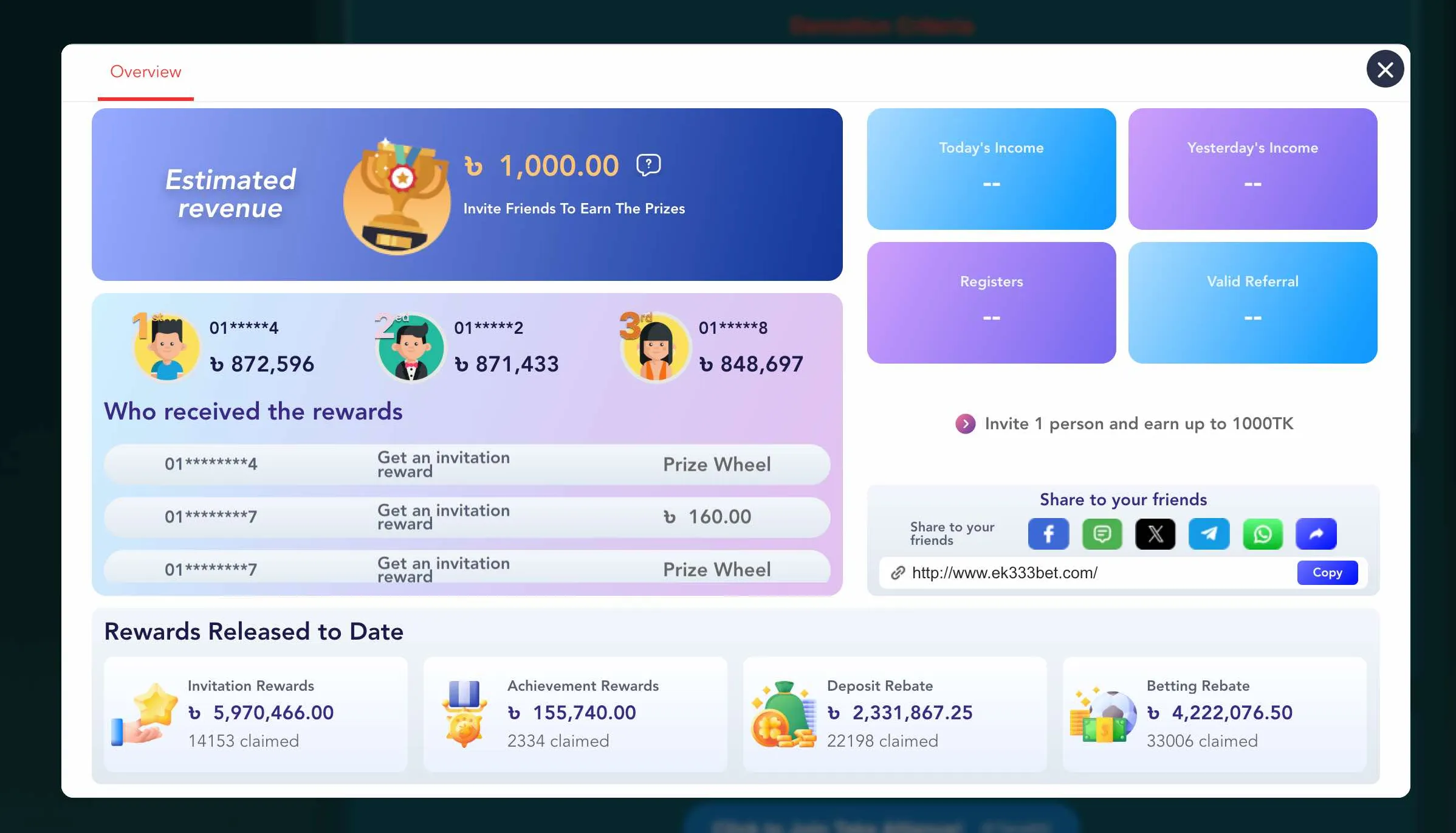
Step 6 - If you want, enter a referral or promo code to connect your account to a friend or current campaign.
Step 7 - Tap the Register button and wait for the confirmation step. Usually EK333 sends an SMS code to your mobile or activates the account directly if the number passes a quick check.
Step 8 - Enter the SMS code if requested. If no code arrives within a short time, use the resend option and check that your phone has network coverage.
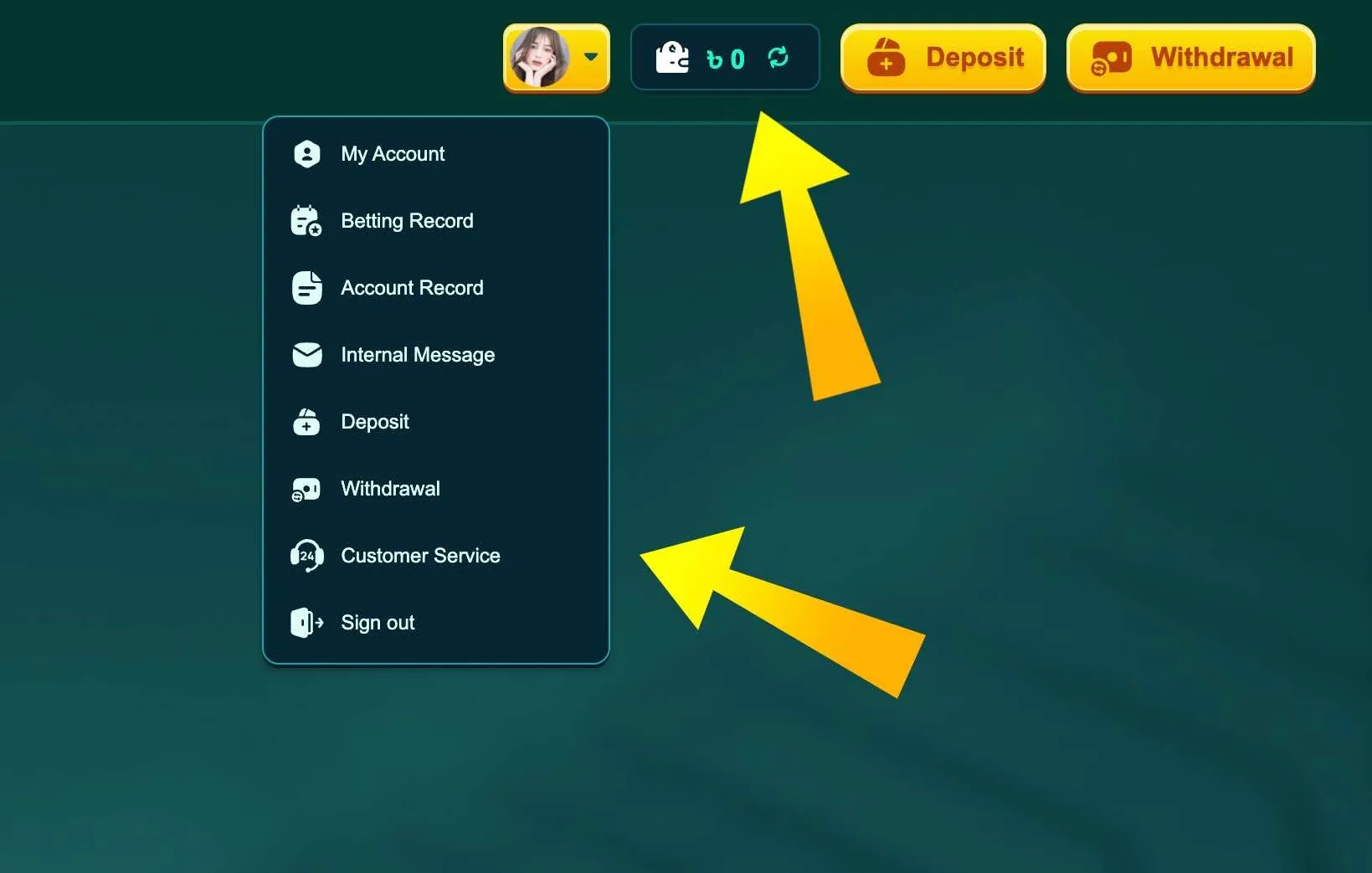
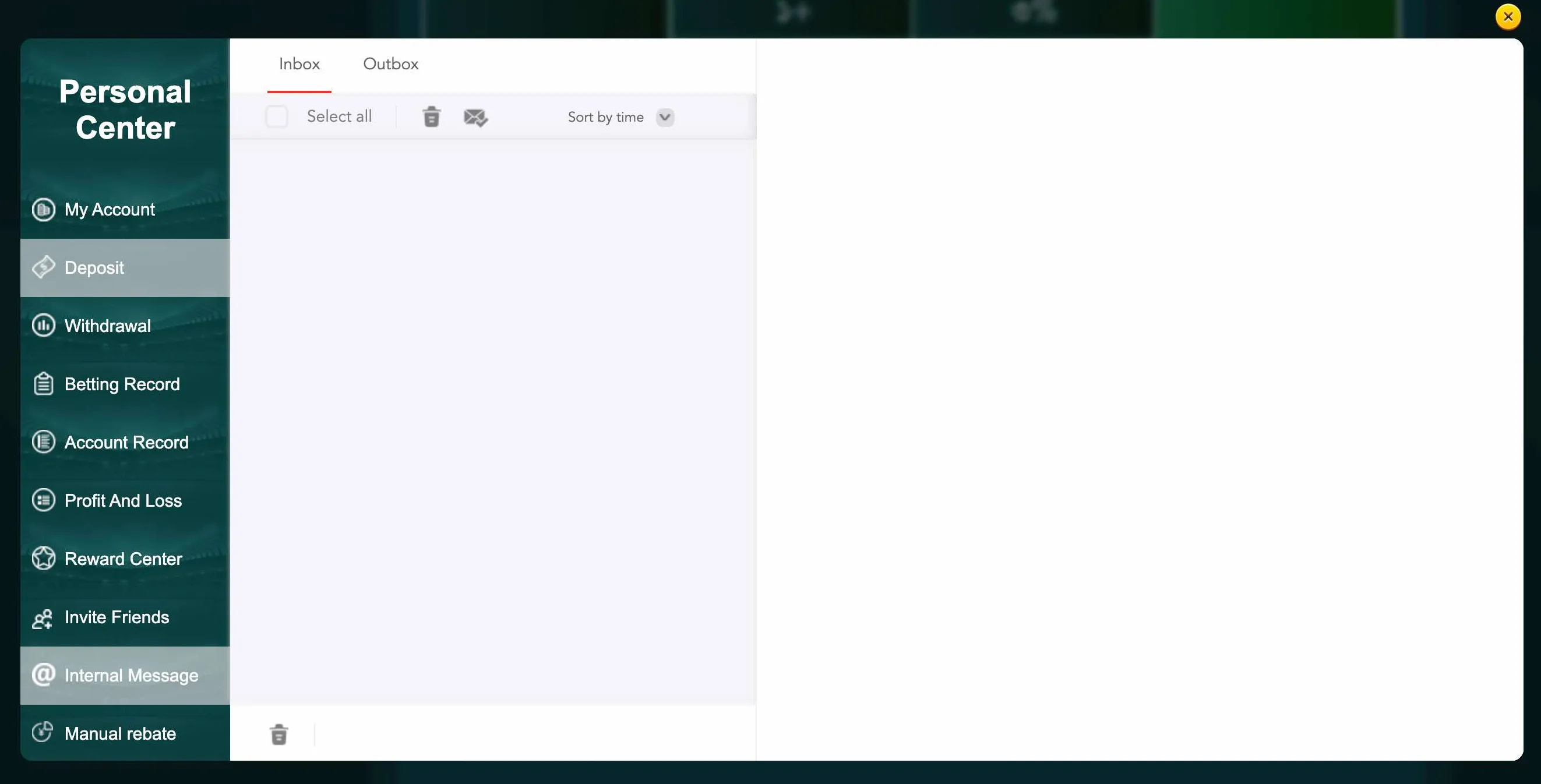
After these steps your EK333 account is active. The system may log you in automatically and send you to the home page or personal center.